Marching east
by Vlad Sadovsky
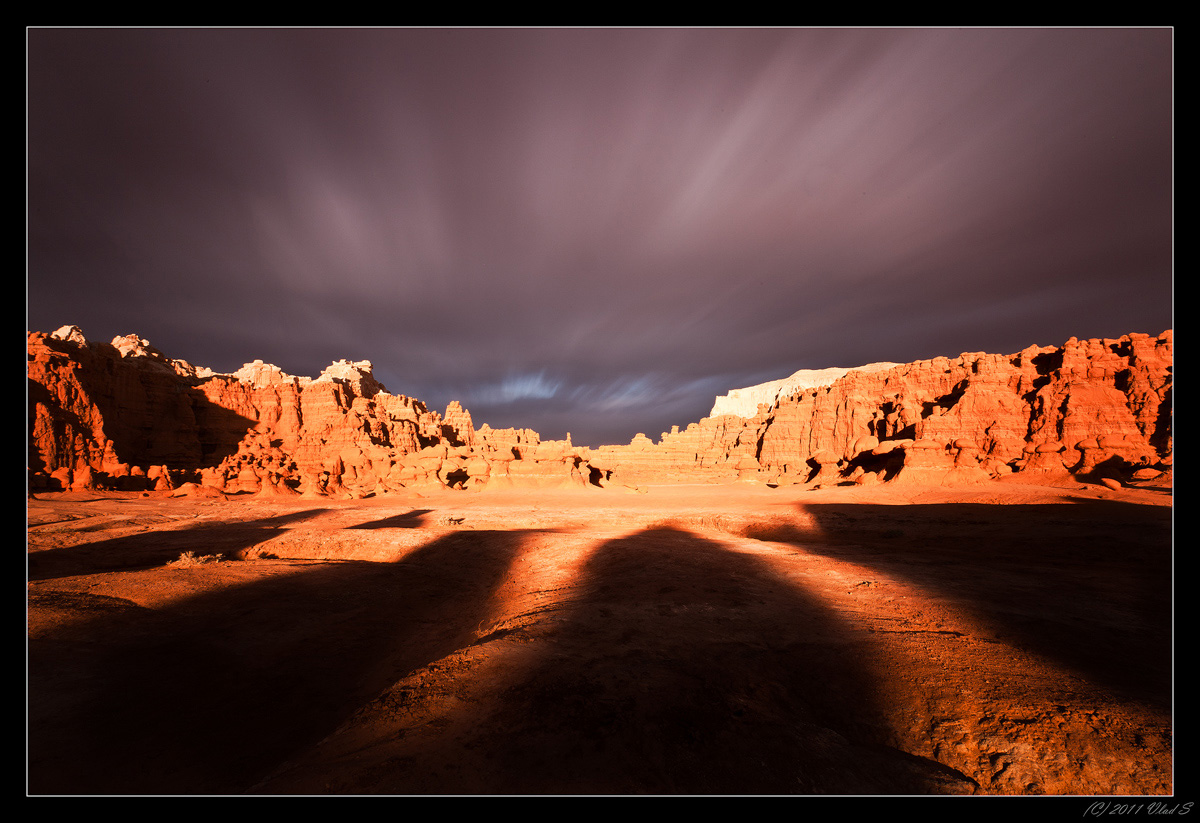
Finished 10 days loop over UT and AZ. This one is from last weekend evening in Utah. I only had time for 2 exposures before light changed and shadows were gone.
Processing : levels and color balance in Lightroom, localized curves adjustments in Photoshop.
Canon 5D M2
Canon 17-40 @ 19mm, ISO 100, 180s, f/22, 10 stop ND
C&C much appreciated, especially wrt processing.

Comments
17 commentsHarry : the highlights do have some details, but the red channel is clipped there.. I didn't take the second shot to blend and did all i could to save details and color, will look for other techniques.
As for the shadow - i struggled with the same shot before to avoid my shadow showing up and the solution is to hide in the shadow of the largest object, which limited composition a tiny bit.
Not necessary, but the only thing I wish is that the upper highlights were tamed just a little more.
Guy
Love how the strong shadows seem to point to the background.
I've checked the channels and the the only channel that is completely damaged is the RED one. The GREEN and the BLUE channel are very nice. So you can recover any detail you need from there.
Here I put the blue channel (slightly darkened it) on a layer on top of your original image, set the blending mode to "Overlay" and painting in a mask where I wanted the detail to appear again. It's very simple. I overdid it a bit so that you can see the effect.
In the image you see 4 scenes ... the damaged red channel, the fine blue channel, your original image and the one after the reconstruction. Maybe this gives you an idea how you can deal with problems like that in the future.
Good luck, Andreas.
Andreas - i took a closer look at the approach, your illustration are truly helpful. Thank you for taking the time. I see what's required in theory, will practice on 16 bit image tonight.