Gallery: Photo ArtPosted July 11, 2012159 views5 comments
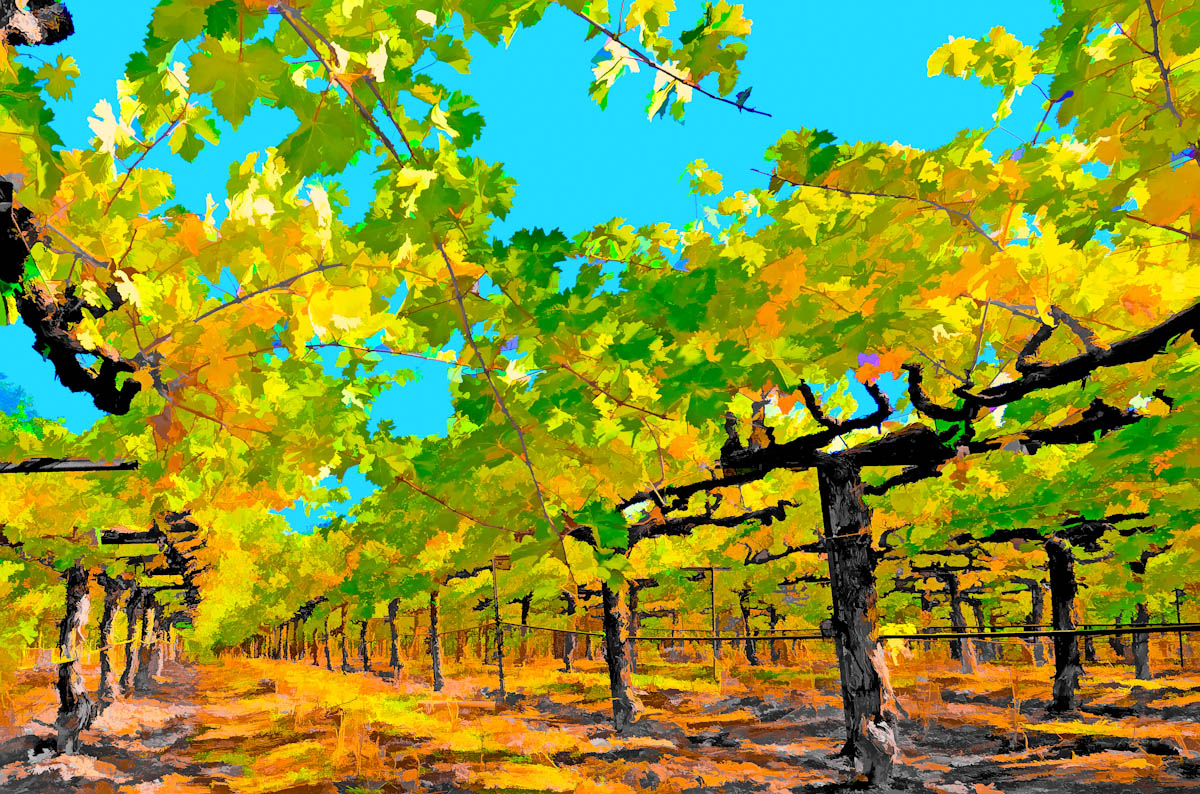
I have re-posted a modified image to correct the sky color. I appreciate your comments - I was never really aware of this issue until some of you mentioned it!
Comments
5 comments
Comment posted by Philip Hodgkins on July 11, 2012 at 3:17 PM
The sky is still aqua. If you are using Photoshop, open the Hue/Saturation adjustment and click on the sky, then move the hue slider to the right until you get the sky color you want.
Registered on July 24, 2006, 2741 Posts, 12349 Comments
Comment posted by Catherine Reilly on July 13, 2012 at 5:35 PM
Love this. Terrific art from photo!!
Registered on August 16, 2006, 603 Posts, 9192 Comments
Comment posted by David W. Kelly on July 14, 2012 at 12:44 AM
I really like the POV and the filtering.
Registered on October 7, 2005, 883 Posts, 6590 Comments
Comment posted by Steve Balke on July 15, 2012 at 12:14 PM
I think it is a very attractive shot, William. This is Photo Art after all. We're allowed to have an aqua sky! I love the perspective here.
Registered on June 18, 2009, 229 Posts, 2915 Comments
Comment posted by William Hollister on July 16, 2012 at 3:52 PM
Phil, I did use the Saturation hue adjustment to fix up the photo. I like the sky color just the way it is, so we will just have to disagree on this one. Perhaps our monitors are showing the colors a bit differently. I do appreciate your comment.
Registered on September 15, 2007, 19 Posts, 5 Comments

Comments
5 comments