
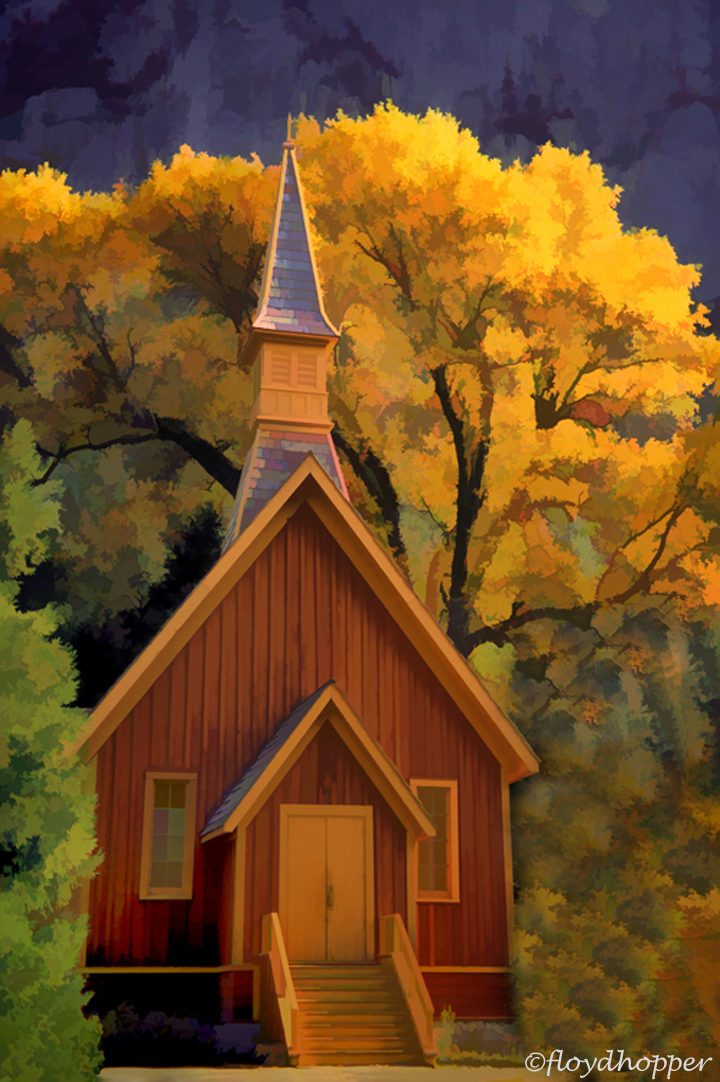
by Floyd Hopper
As I mentioned in a previous post, I am enjoying creating artistic images using Topaz Simplify4. One of my favorite filter is the "WaterColorII", which I used for this image. I cloned in some vegetation to fill a void on the lower right, as I would imagine that a painter would not leave a void. Comments are welcomed. Thanks
Comments
6 commentsNice job in picking a great subject for the conversion with the watercolor feature in Topaz. Well done.
Beautiful stuff, Floyd. Have you ever tried copying one of these images with some acrylics and a paintbrush on board or canvas?
Floyd, Lovely composition and subject matter. This works very well.
D.A Edwards comment. Your comments sounds very interesting. I would like to know more about this process. Thanks.
Floyd:
The work you are showing using Topaz Simplify is simply outstanding!! Love it. Has re-invigorated me to go back and play with it more. I have the software, just haven't worked with it enough to come up with anything great. Your stuff is GREAT!
Floyd: I merely meant printing out a version of this (I find something small, like 6" on the largest edge) and posting it up next to an easel and see if you can "copy" it with some paint on brushes. The vegetation in this might lend itself to using sponges also. No need to be exact in color or shape, just close, which is why the small sample helps avoid getting too detailed. I use masonite board prepped with white gesso usually about 12"x18" or so.
It's usually more time consuming than photography of course but can be rewarding.