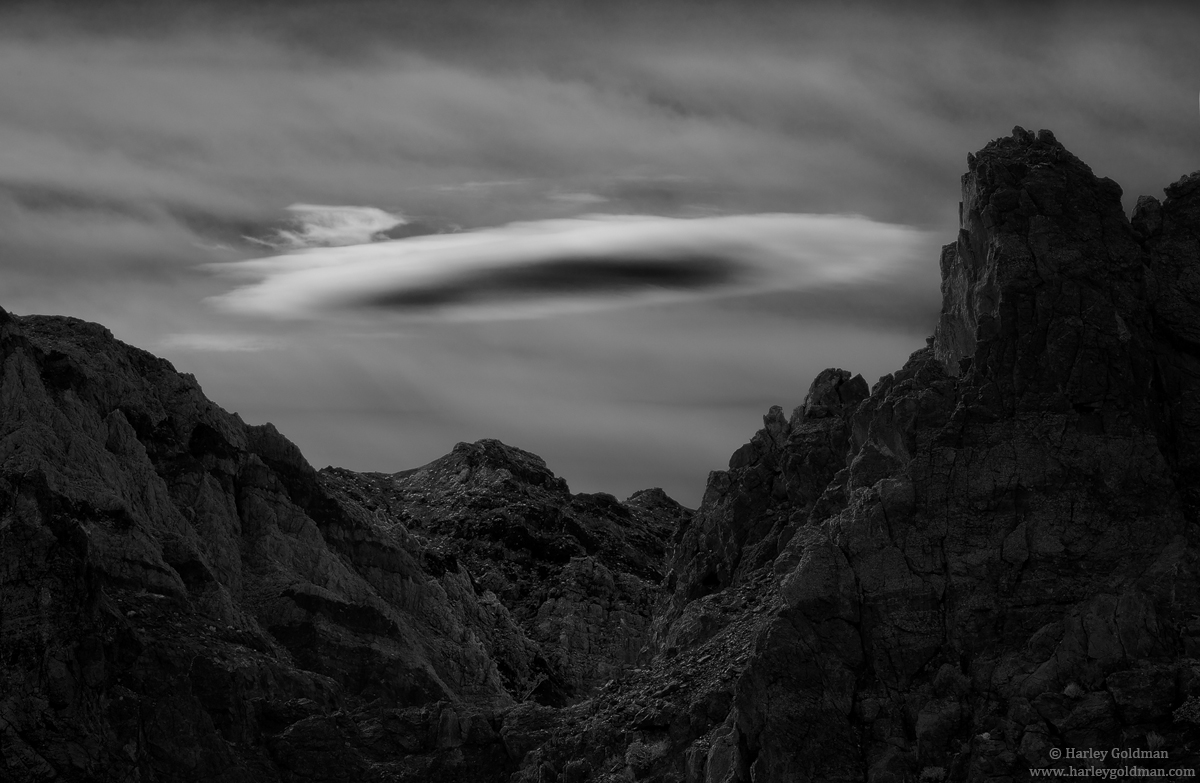
I was in Death Valley last week and one morning, was treated to a nice cloud show while hanging out in a canyon.
For some reason, every time I post this to the web, the shadows block up a bit compared to my version in Photoshop. Strange, never had it happen and I use the same routine every time. Oh well. So pretend the shadows are not blocked up.

D810, 70-200mm
Comments, critiques and suggestions are always welcome.

Comments
9 commentsIntersting about the shadows because the large view looks fine; the mountains are a little dark, but I think you processed it that way to give attention to the cloud. But it's the smaller version that looks like the shadows are blocked up. My question for you is, do you upload just the larger version and let the website make the 720 version? If that's the case, I would recommend preparing 2 files, the large file (1200+px) and the standard view file at 720px. By uploading them directly, I don't think the sw does anything but display them. I've noticed a difference in many images between the normal view and the larger view. I'm wondering if that's the reason. Anyway, just a thought.
Terrific image. Looking forward to more from your recent outing.
Lon
I think the light background of the small version vs the dark background of the large version makes a lot of difference. On my own site I can change the settings between light, neutral and dark, and it makes all the difference for photos that lean more to the dark or the light side of the spectrum. Midtone photos don't suffer so much though. I always make a separate 720 px file, so there is no website conversion to the smaller version, and still I see a difference between the large and small versions. I believe it's the dark/light background tricking our brains, but it might have more than one cause of course.
Albert Darmo
Canada
Cool image. Love the lenticular cloud. Lends itself really well to a dark, moody B&W rendering.
--P