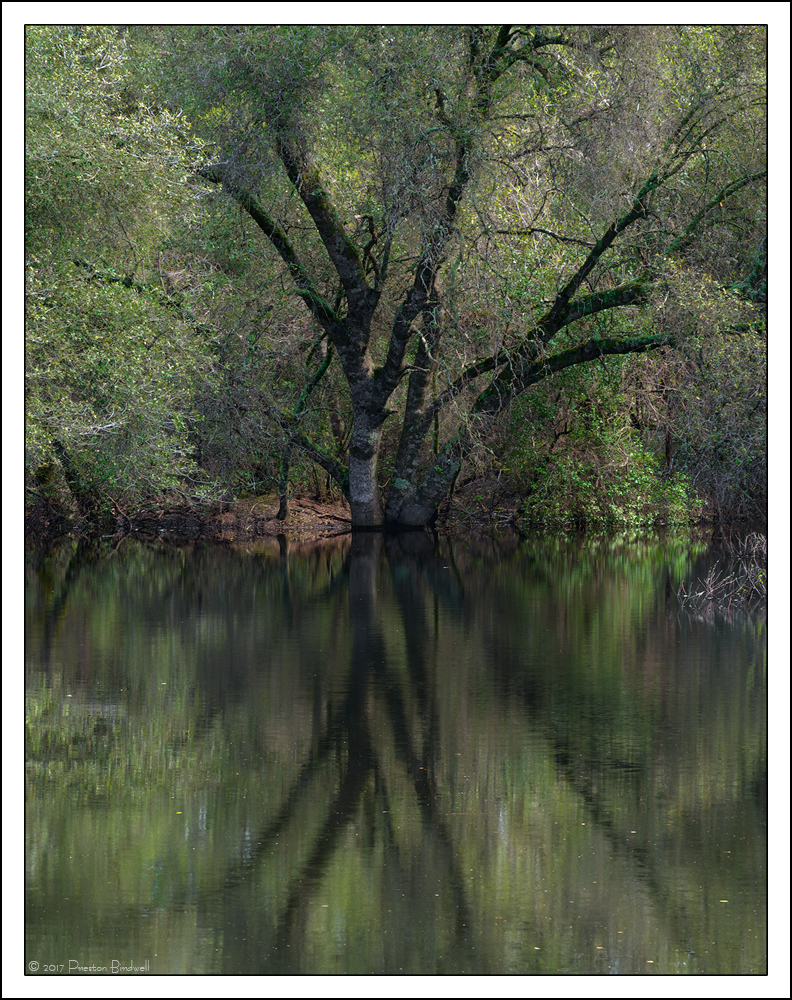
This image was made a few minutes prior to my Peaceful Oak image posted a few days ago. Clouds were swirling about, so I waited for the contrast to drop.
In post processing, I wanted to bring up more detail in the trunk of the oak, so I wondered if I could use a B&W adjustment layer with its blending mode set to luminosity to do this. There was quite a bit of blue and cyan in the deep shadows, so I adjusted the blue and cyan upward a bit. (Setting the B&W Layer to 'luminosity' allows you to brighten or darken individual colors) After experimenting a bit, I achieved the the tones I wanted.
Nikon D-7100
Nikkor 18-140mm @ 90mm
ISO, 100, 1/4 @ f-16
TK's V 4 Masks and B&W adjustment layer.
Please see the large version. Thanks!
Thank you for your comments on my recent posts, and for your thoughts on this one.

--P

Comments
13 commentsA BW adjustment layer was used for the conversion.
Thanks,
--P
This one is excellent too - although for me I give the edge to the first post. The light is softer, which works to this scene's advantage, I think. While I definitely like the color version better overall, I do like the contrast a bit better in the b&w, especially in the trunk area. To me, in the color version I think the center part of the image needs a little micro-contrast (whatever that is.) ;-) I'd even like to see more contrast in the reflection. Mind you, we're talking minor tweaks, not big issue either way.
Great job capturing two different images of the same scene.
Lon
--P
Peter