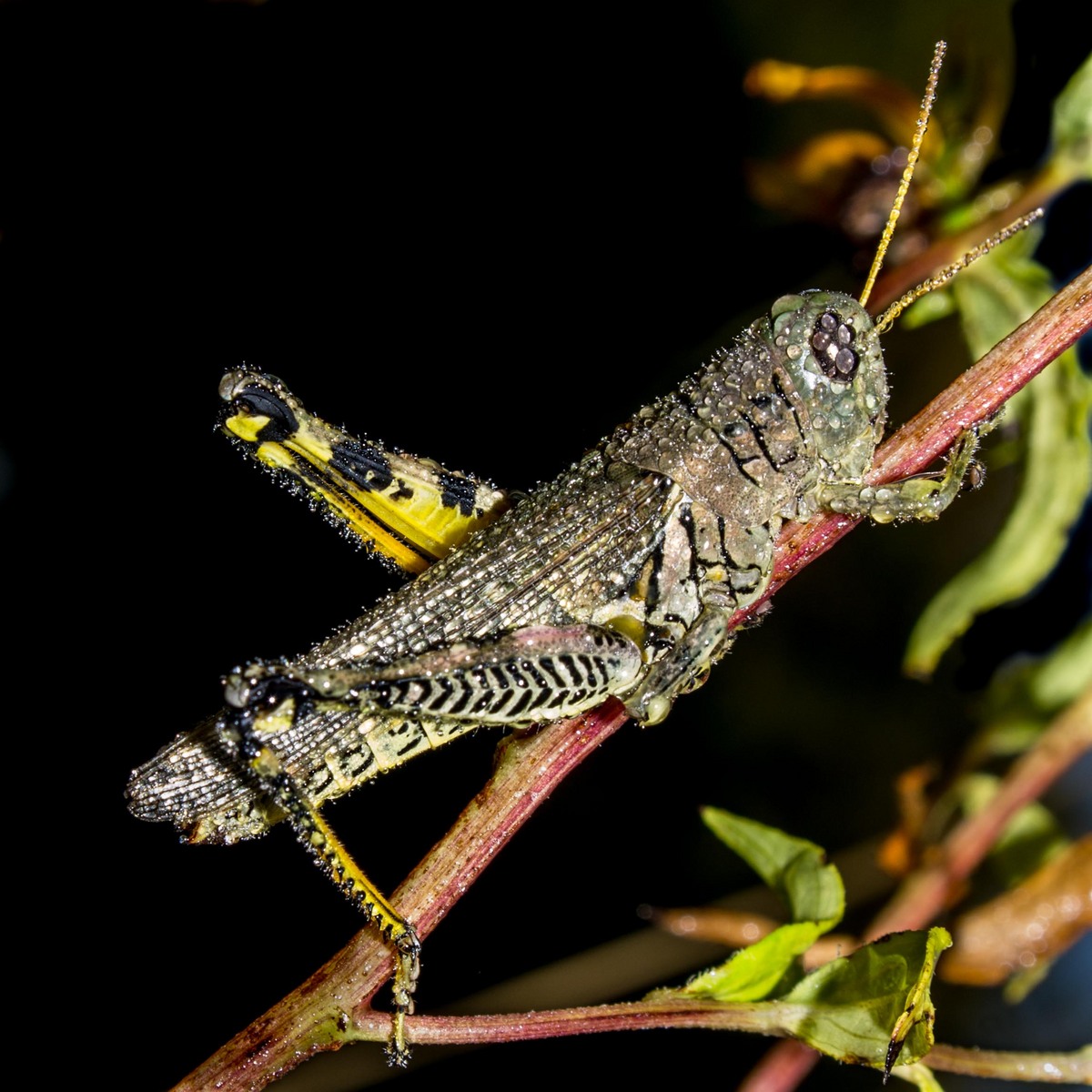
Dewdrop Grasshopper/Repost
by Randy Runtsch
This grasshopper, like many others in the area, seemed to be frozen in dewdrops on a cool morning in late September. I wish that the upper-right leg was in focus, but am satisfied with the focus of the rest of the insect.
Please comment and critique. Specifically, would you prefer the background to be black or the original medium grey.
Location: Quarry Hill Nature Center, Rochester, Minnesota, USA
Date and Time: September 22, 2013 at 06:25
Equipment: Pentax K-5, Pentax DA 16-45mm at 45mm, flash, handheld
Exposure: 1/90s, f/13, iso 100
Crop: About 60% cropped from the top, left, and bottom.
Post Processing in Lightroom 5: Reduced blacks to make background black. Extensive burning of leaves, stems, and the grasshopper's abdomen, wings, thorax, and legs.

Comments
12 commentsSince you have this black BG and the hopper's fairly light, I might suggest pulling down the center a bit using curves to < the brightness just a tad.
Well done!
Was the spot to the left of the "knee" of the left leg, Lucy? If so, it is Now blacked out.
Howard, I am not sure what you mean by curves (I have not mastered LR4/5 yet), but the new image was darkened by nearly a half stop, so the grasshopper is darkened as well.
Also, the shadow of the right leg has been brightened, and the blue areas of the bottom right have been blacked out.
You basically improve tones with levels, but actually curves/levels are quite similar.
When I miss the mark with slight over or under exposure, I simply grab the center point of the 'curves' line, then pull up or down diagonally until it looks correct Randy. You're basically adjusting the mid-tones, and either adding/lessening contrast and/or brightness overall. Versions of Adobe CS4 and later are quite good with this tool..
The difference is subtle.. But sometimes it's all you need